HELP · DEVICE SETUP

Get your watch, phone, and apps talking.

Step-by-step connection guides for Garmin, Polar, Strava, plus a troubleshooter for when activities aren't syncing.

⚠️ This help page is a shell. Detailed step-by-step content will be populated
as support tickets and user questions come in — we’re deliberately waiting for real
friction signals rather than guessing at what people will ask.

In the meantime

Email support@trainplan.app with your question.
Include your device, the plan you’re on, and what you were doing when the thing went wrong.
Replies within one working day.
ONCE IT IS CONNECTED

What you should see after pairing.

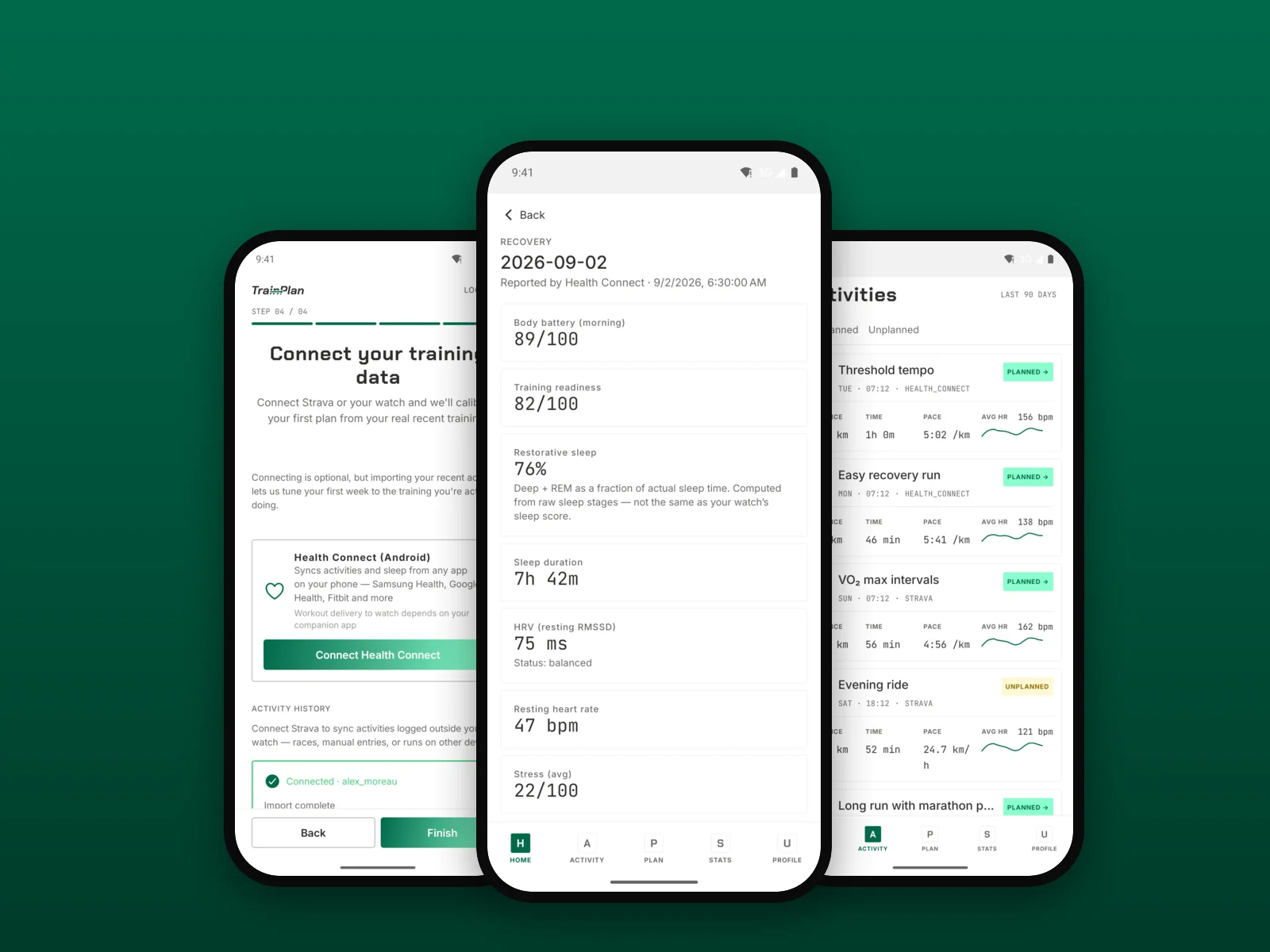
Recovery numbers with a source on them, your runs arriving, and the physiology filled in from the device.

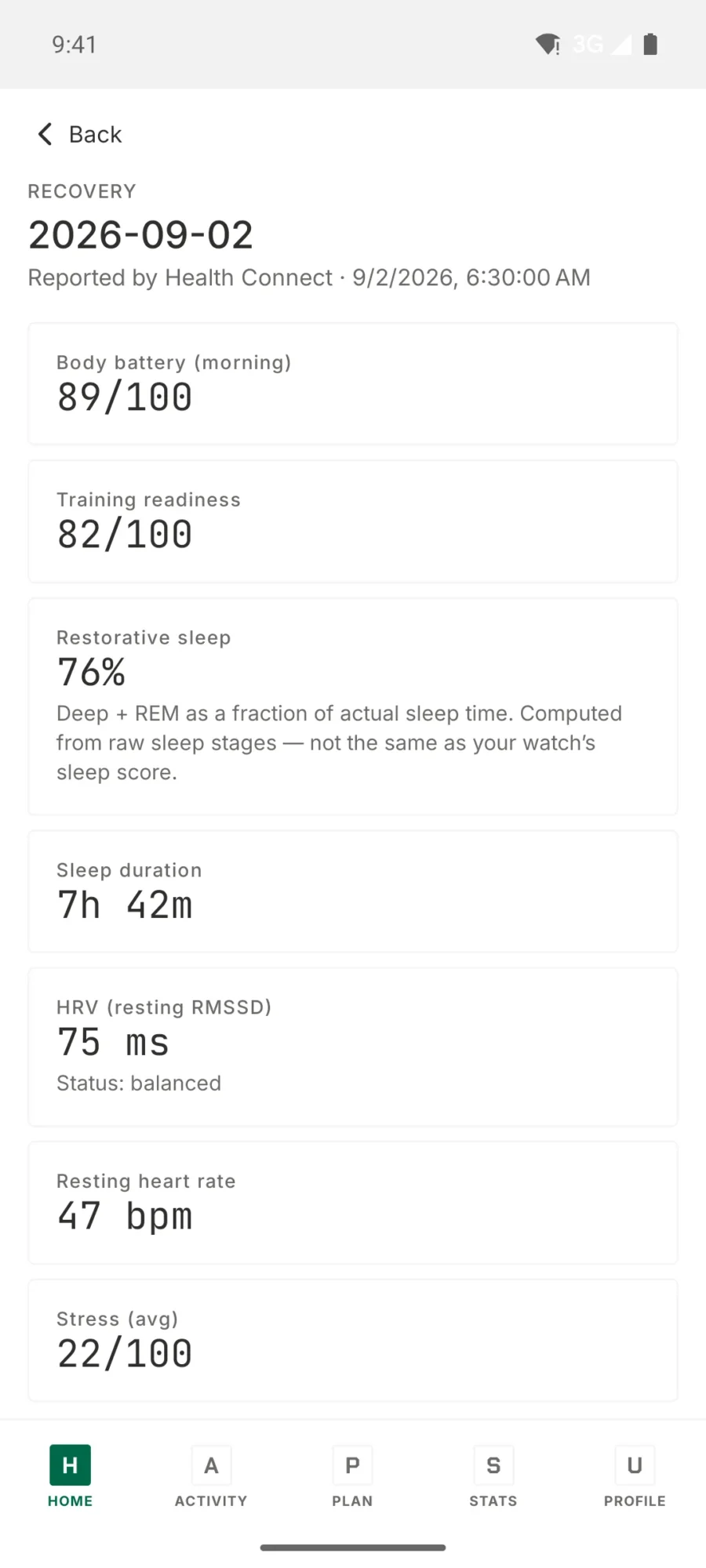
  • TrainPlan recovery screen showing body battery, training readiness, restorative sleep, HRV and resting heart rate
    Recovery Body battery, training readiness, restorative sleep and HRV, read from Health Connect.
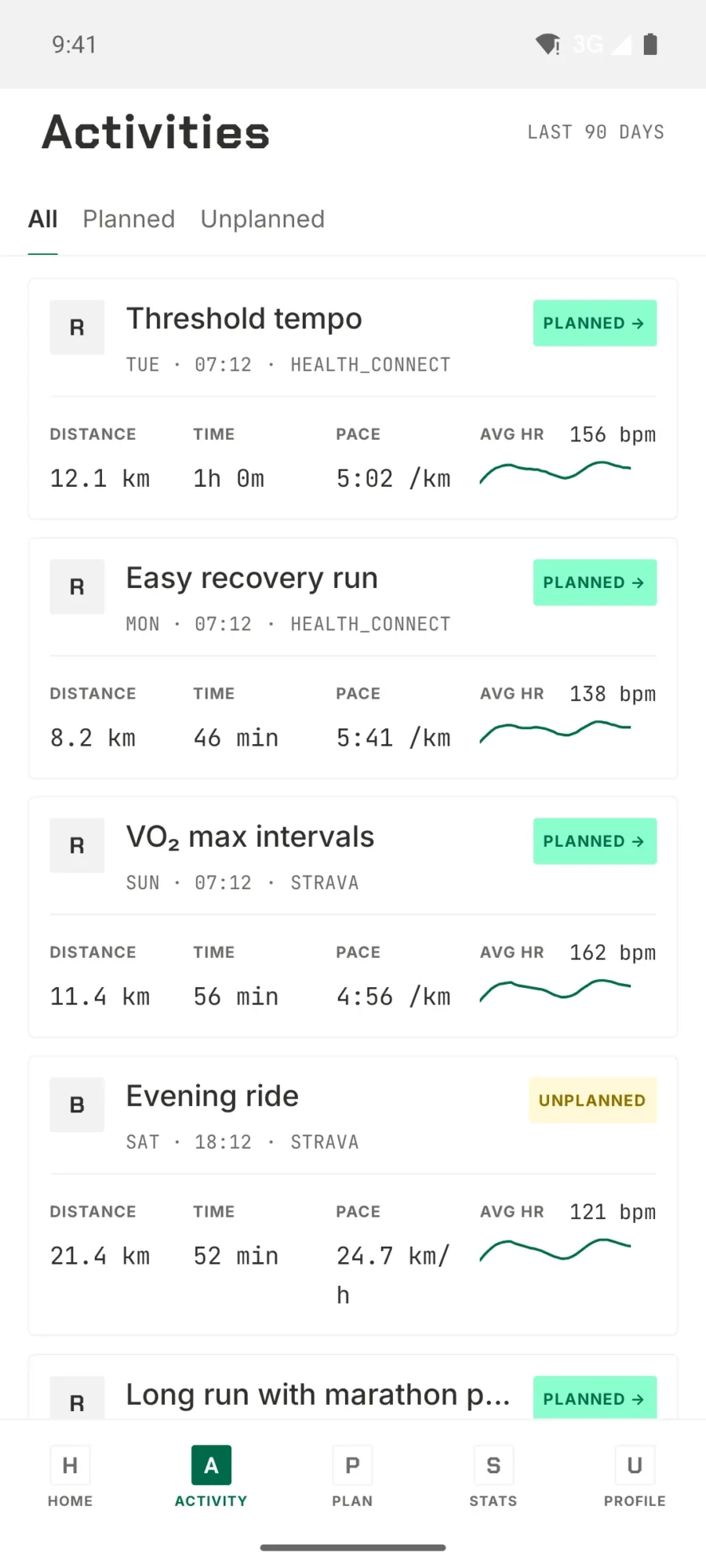
  • TrainPlan activities list showing planned and unplanned runs from the last 90 days with distance, pace and heart rate
    Activities Every run of the last 90 days, planned and unplanned side by side.
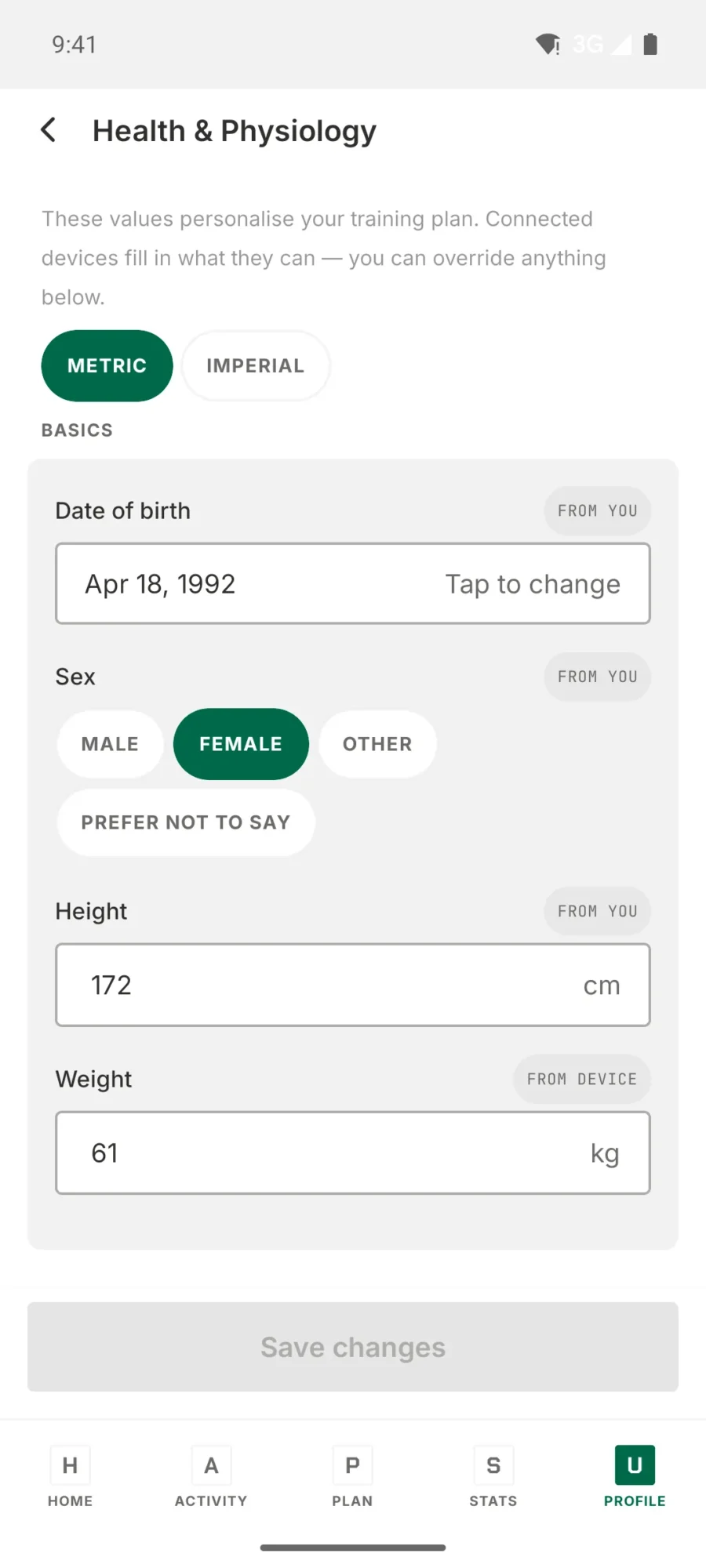
  • TrainPlan health and physiology screen showing date of birth, sex, height and weight with per-field data sources
    Health and physiology The values that personalise your plan. Your device fills in what it can; you override the rest.