HELP · GETTING STARTED

Your first week with TrainPlan.

Setup, your first plan, the rhythm of the weekly banners, and what the adaptation engine is doing in the background.

⚠️ This help page is a shell. Detailed step-by-step content will be populated
as support tickets and user questions come in — we’re deliberately waiting for real
friction signals rather than guessing at what people will ask.

In the meantime

Email support@trainplan.app with your question.
Include your device, the plan you’re on, and what you were doing when the thing went wrong.
Replies within one working day.
YOUR FIRST FIVE MINUTES

Setup, screen by screen.

Three questions and a plan. You can change any answer later from your profile.

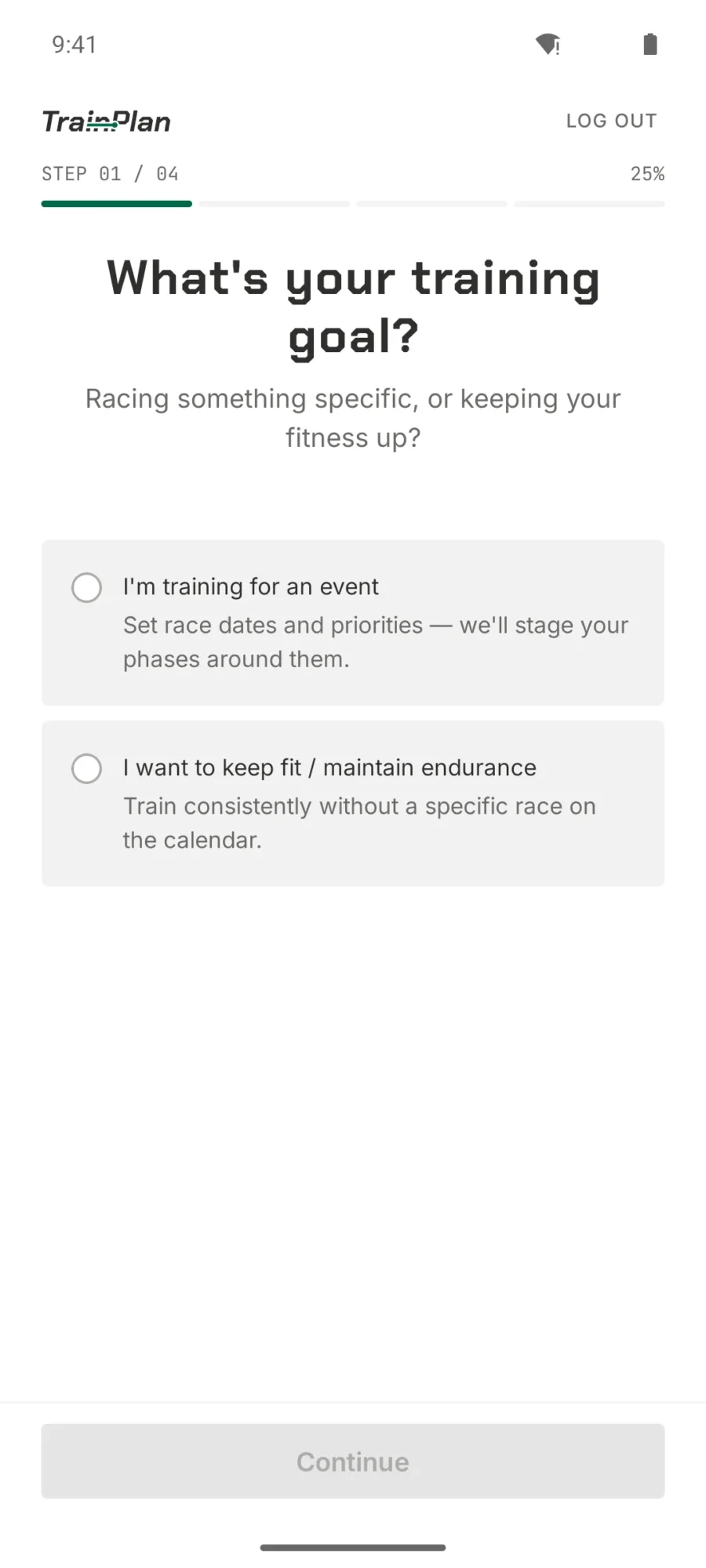
  • TrainPlan onboarding step one asking whether you are training for an event or maintaining fitness
    Step 1 — Your goal Racing something specific, or keeping your fitness up?
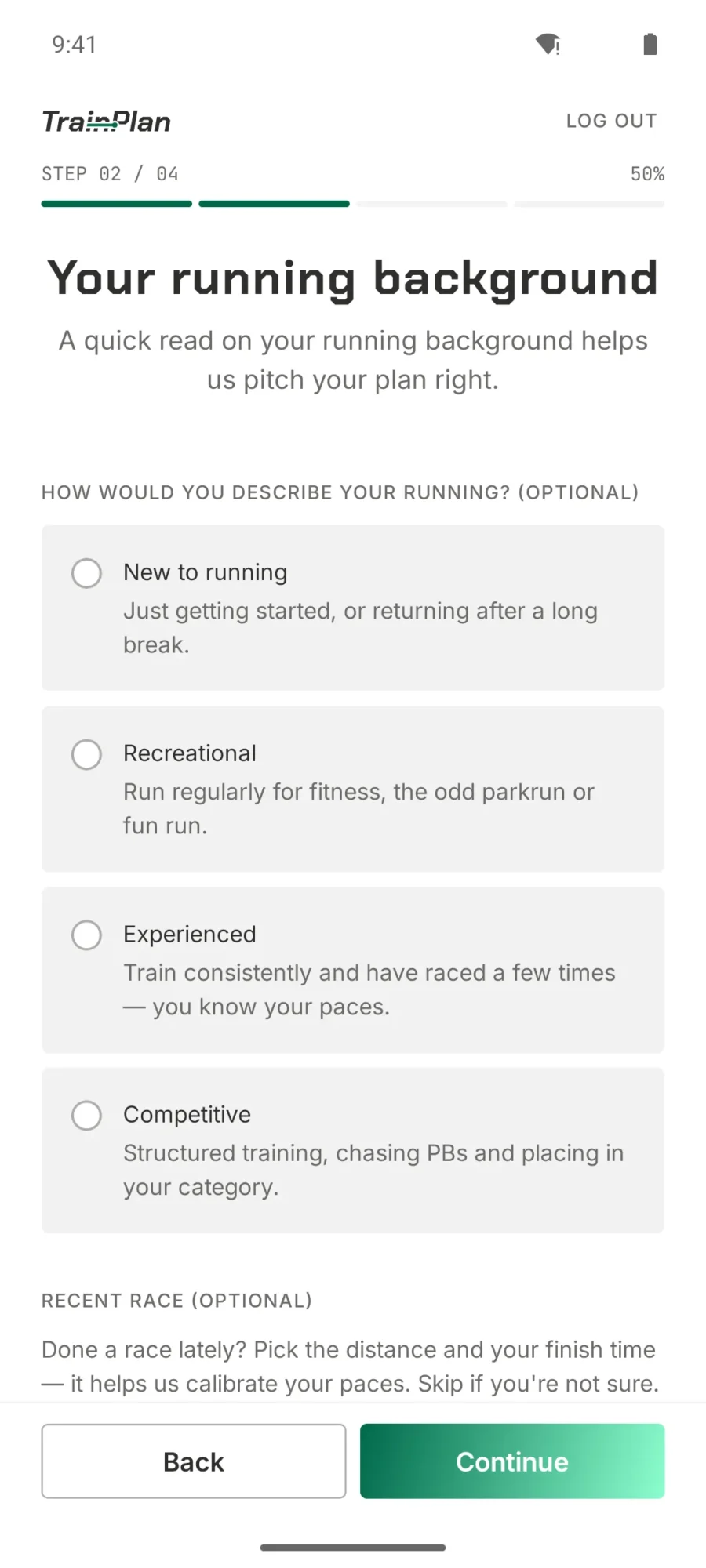
  • TrainPlan onboarding step two asking for your running background from new to competitive, plus a recent race
    Step 2 — Your background A quick read on your running history, so the first plan lands at the right level.
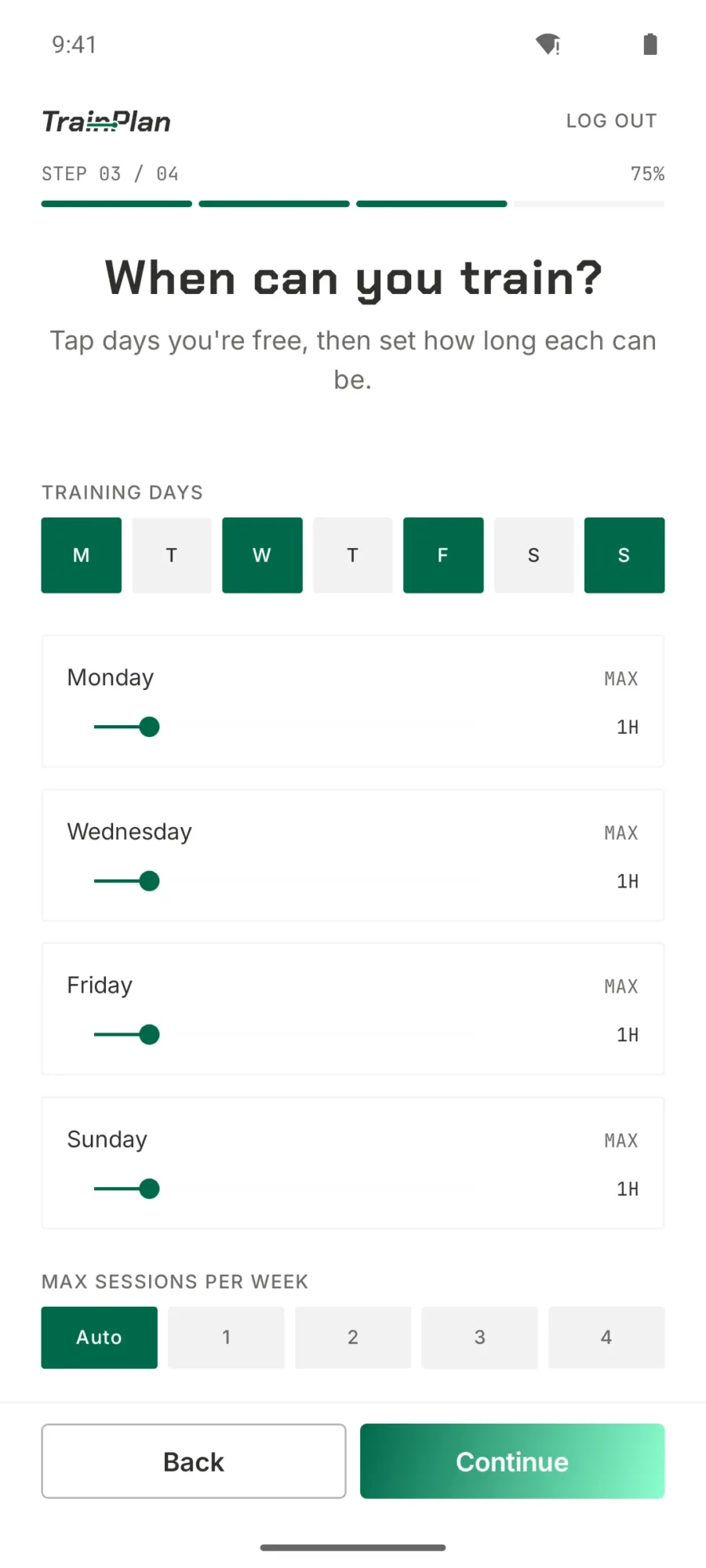
  • TrainPlan onboarding step three with training days selected and a maximum duration per day
    Step 3 — Your week Tap the days you're free, then set how long each one can be.
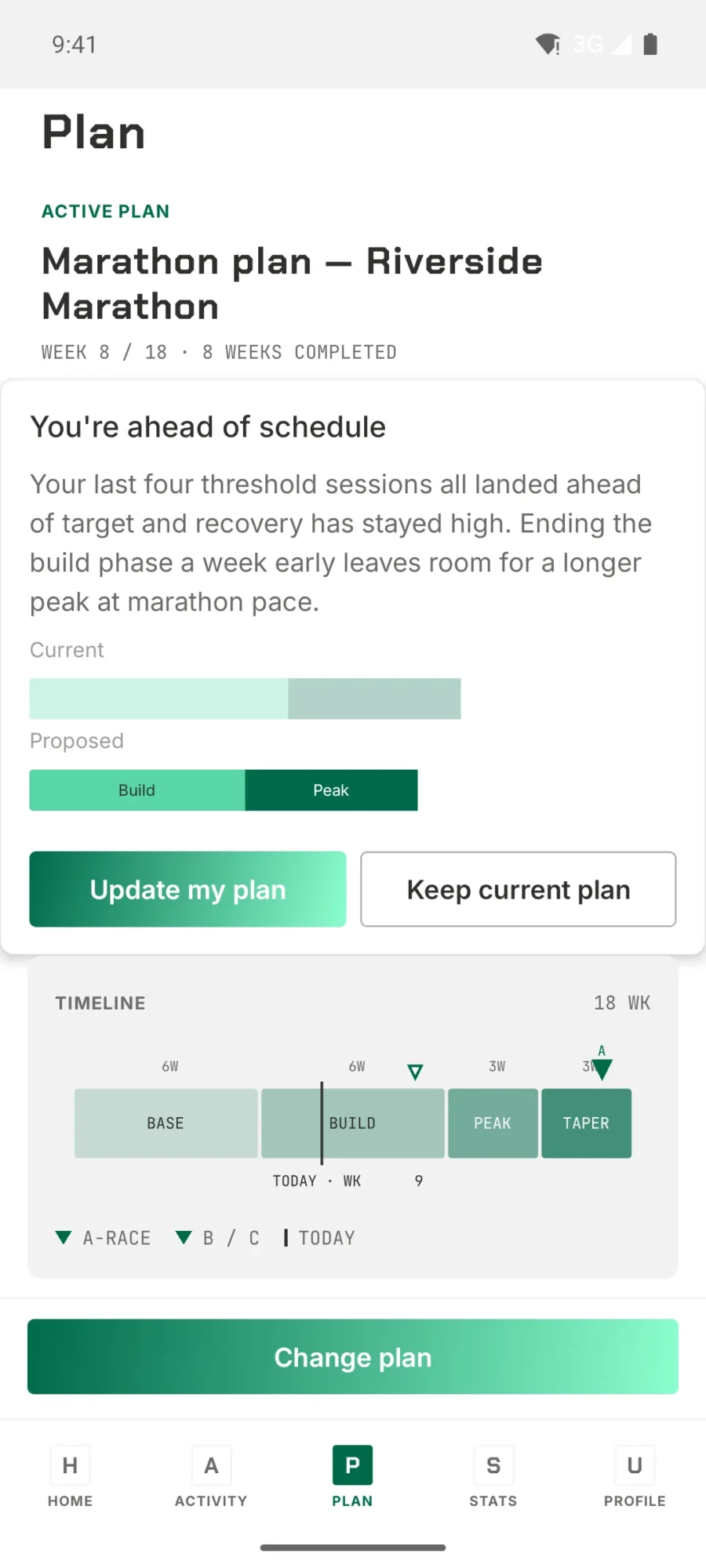
  • TrainPlan plan screen showing an 18-week marathon block with base, build, peak and taper phases on a timeline
    Your plan The full block to race day — base, build, peak and taper on one timeline.